Is your iPhone battery dropping from 100% to 30% before the day is over?
Maybe you leave home in Papakura with a fully charged phone, use Google Maps or Spotify on the way to work, check WhatsApp and emails throughout the morning—and suddenly your iPhone is asking for a charger before lunchtime.
If that sounds familiar, you’re not alone.
At Erepair N Spares in Papakura, fast battery drain is one of the common iPhone problems we see from customers across Papakura, Takanini, Drury, Karaka, Manurewa, Manukau and surrounding South Auckland areas.
The important thing is that fast battery drain doesn’t always mean you immediately need a new battery. Sometimes the cause is an app, poor network coverage, software activity, charging issues or excessive heat. Other times, the battery itself has reached the end of its useful life.
In this guide, we’ll explain the most common causes, what you can check yourself and when it makes sense to have your iPhone professionally diagnosed.
Quick Answer: Why Is My iPhone Battery Draining So Fast?
Your iPhone battery may drain quickly because of:
- An ageing or degraded battery
- High screen brightness
- Background App Refresh
- Location services running continuously
- Apps using excessive battery
- Poor mobile network signal
- Heavy GPS, video or gaming use
- An iOS update or software issue
- Excessive heat
- Charging or cable problems
- A damaged charging port
- Internal hardware problems
If you’ve already tried basic settings changes and your iPhone is still losing battery unusually quickly, getting hot, shutting down or struggling to hold a charge, the battery or another internal component may need professional attention.
1. Your iPhone Battery Has Aged
This is one of the most common reasons for rapid battery drain.
iPhones use lithium-ion batteries, and these batteries naturally lose capacity as they age and go through charging cycles.
A newer battery might comfortably get you through most of the day. An older battery may show 100% after charging but drop much faster once you start using the phone.
How to check your battery health
On your iPhone, go to:
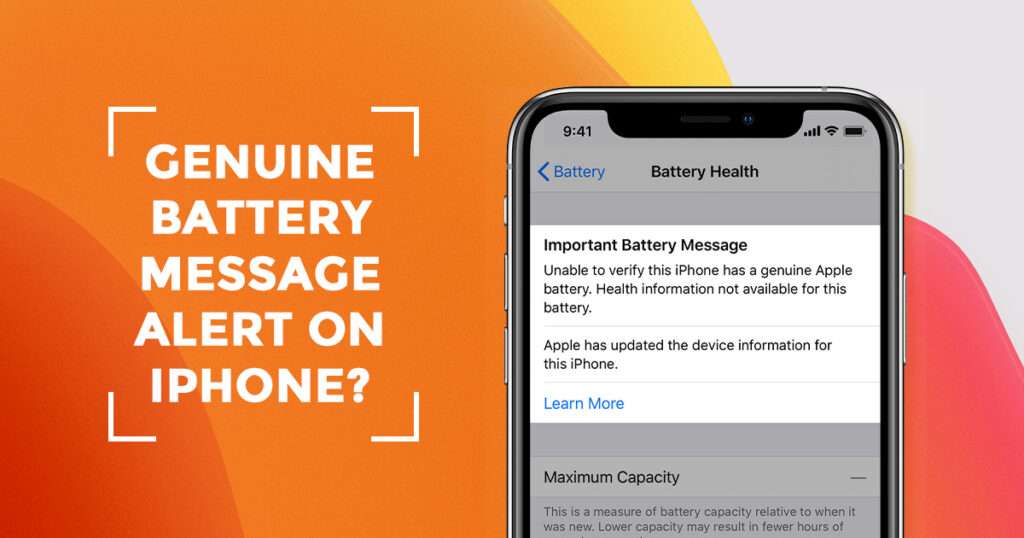
Settings → Battery → Battery Health & Charging
Look at the Maximum Capacity figure.
If the capacity has dropped significantly compared with when the phone was new, battery degradation may be contributing to the problem.
However, don’t rely on one number alone.
At Erepair N Spares, we look at the overall symptoms and condition of the device rather than automatically recommending a battery replacement.
For example, if your iPhone is:
- Losing charge unusually quickly
- Shutting down unexpectedly
- Getting hot during normal use
- Showing inconsistent battery percentages
- Struggling to charge
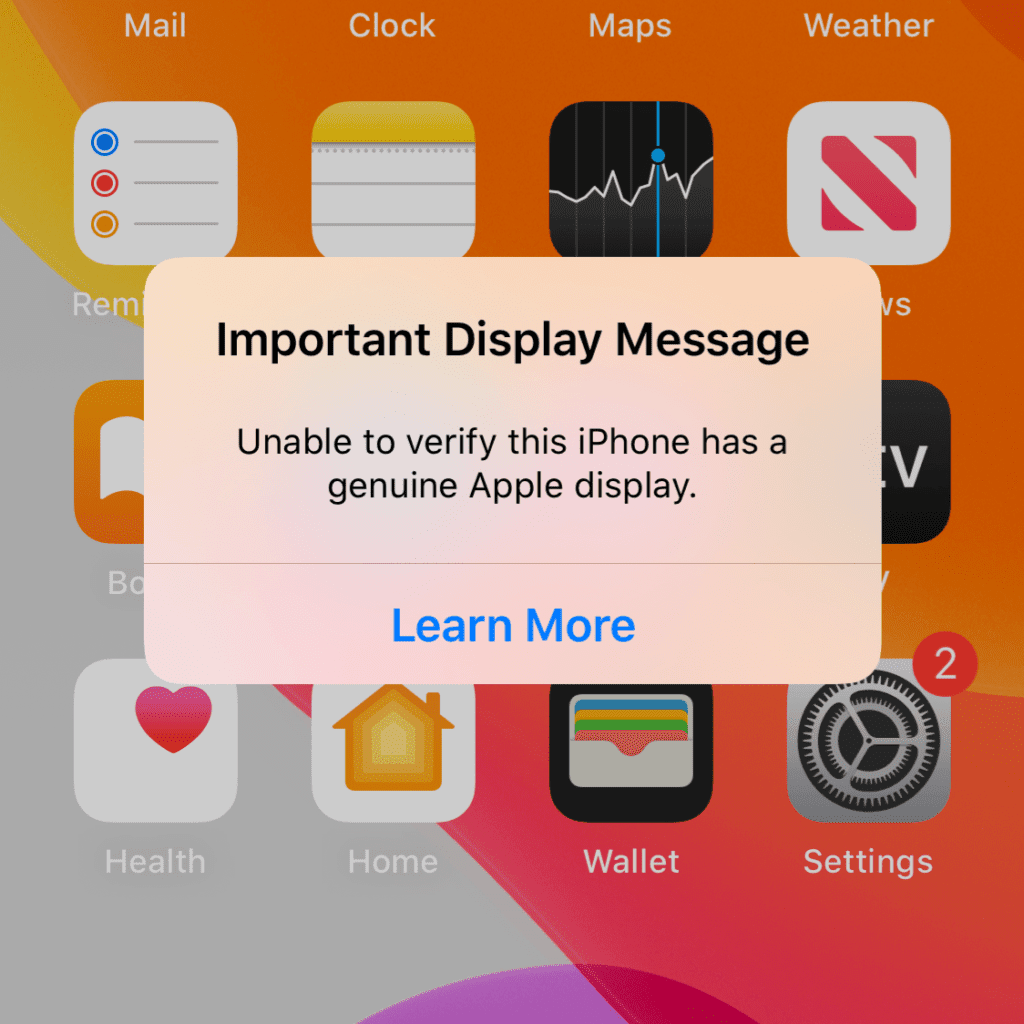
- Showing battery-related warnings
then a battery diagnostic can help identify whether the battery is actually the problem.
2. An App May Be Using More Battery Than You Realise
Sometimes your battery isn’t failing—the apps are simply working harder than you think.
Social media, video streaming, navigation, gaming and communication apps can consume considerable power, especially when they use:
- Location services
- Camera
- Microphone
- Mobile data
- Bluetooth
- Background activity
- Frequent notifications
Check which apps are using your battery.
Go to:
Settings → Battery
You’ll be able to see which apps have consumed the most battery over the relevant period.
If one particular app is using an unusually large percentage of your battery, try updating it or checking whether you really need its background permissions.
3. Background App Refresh Can Slowly Drain Your Battery
Some apps continue updating content even when you’re not actively using them.
This can be useful, but you don’t necessarily need every app refreshing in the background.
Go to:
Settings → General → Background App Refresh
You can review which apps have access and disable it for apps that don’t need constant background updates.
For example, you may not need a less-important shopping or social media app refreshing throughout the day.
This is particularly worth checking if your battery started draining faster after installing several new apps.
4. Your iPhone May Be Working Hard Because of a Weak Signal
This is an easy one to overlook.
If your iPhone is constantly searching for a stronger mobile connection, it can use additional power.
This can happen when travelling between different areas or when you’re somewhere with weak reception.
For people around South Auckland, this can be noticeable when you’re moving between different locations throughout the day—for example, commuting from Papakura towards Takanini, Manukau or Auckland and constantly switching between different network conditions.
If you notice your battery draining considerably faster on days when your phone has poor reception, network activity could be part of the explanation.
5. GPS and Location Services Can Consume a Lot of Power
Navigation apps are extremely useful when you’re driving around Auckland.
But GPS is also demanding on your battery.
If you’ve been using:
- Google Maps
- Apple Maps
- Uber
- Delivery apps
- Fitness tracking
- Location-based social apps
for extended periods, faster battery consumption is normal.
You can review location permissions under:
Settings → Privacy & Security → Location Services
Check which apps actually need continuous location access.
You don’t necessarily need to turn location services off completely. Instead, review permissions and choose the setting that makes sense for each app.
6. Your Screen Brightness Could Be Eating Into Battery Life
Your iPhone’s display is one of its biggest power consumers.
Keeping brightness at maximum all day—particularly when you’re outdoors—can make a noticeable difference.
Try using:
Settings → Display & Brightness → Automatic
and allow your iPhone to adjust brightness based on the surrounding environment.
You can also reduce the time before the display automatically locks.
Small changes like these can help if your battery is otherwise healthy.
7. Heat Is Bad News for Your iPhone Battery
If your iPhone frequently gets hot, pay attention.
Heat can contribute to battery degradation and may also cause the phone to reduce performance or charging speed.
Your iPhone can heat up because of:
- Direct sunlight
- Heavy gaming
- Video recording
- Navigation
- Charging while using demanding apps
- Leaving the phone in a hot vehicle
- A faulty battery or internal component
What should you do if your iPhone becomes very hot?
Stop demanding activity and allow the phone to cool naturally.
Don’t deliberately put it in a freezer or use extreme cooling methods.
If the phone repeatedly becomes unusually hot during ordinary use, it’s worth having it checked.
8. An iOS Update May Temporarily Affect Battery Life
Have you noticed your battery draining faster immediately after an iOS update?
It can happen.
After a major software update, your iPhone may perform background tasks such as indexing files, organising information and updating apps.
This can temporarily increase battery usage.
If the battery problem continues well beyond the update period—or your phone is also overheating, shutting down or behaving unusually—don’t assume the software is automatically responsible.
A proper diagnosis can help separate a software issue from a failing battery or hardware fault.
9. Your Charging Cable, Adapter or Charging Port Could Be the Problem
Sometimes people think their battery is draining when the actual issue is that the phone isn’t charging properly.
For example:
- The cable may be damaged.
- The charging adapter may be faulty.
- The charging port may contain debris.
- The charging connection may be intermittent.
- The charging port may be damaged.
If your iPhone only charges when the cable is held at a particular angle, charges extremely slowly or repeatedly stops charging, don’t keep forcing the cable into the port.
That can make the underlying problem worse.
At Erepair N Spares, charging problems are diagnosed separately from battery problems because replacing a battery won’t solve a damaged charging port.
10. Your Battery Could Be Physically Damaged
There is one battery warning sign you should never ignore:
A swollen battery.
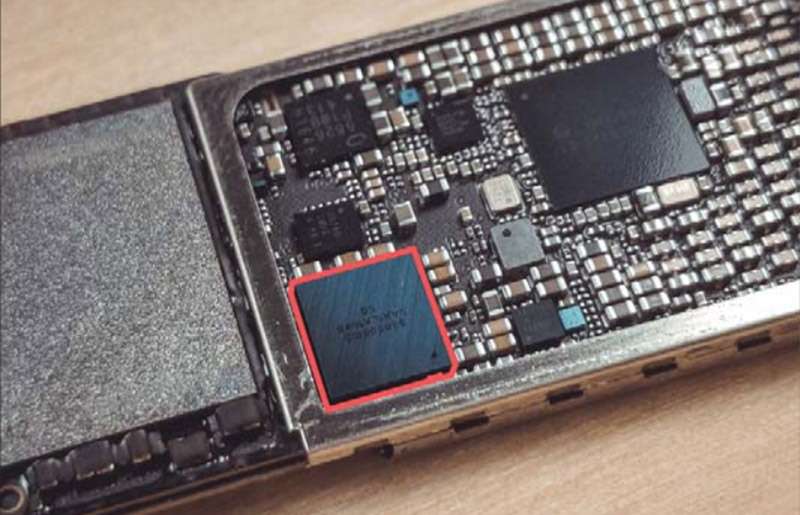
If your iPhone’s screen or back appears to be lifting, the phone looks unusually swollen, or there is physical separation around the display, stop using and charging the device and seek professional assistance.
A damaged lithium-ion battery should be handled carefully.
Don’t attempt to puncture, press down or remove a swollen battery yourself.
How Do You Know If You Actually Need an iPhone Battery Replacement?
A battery replacement may be worth considering when you consistently experience several of these symptoms:
✓ Battery drains much faster than it used to
✓ iPhone shuts down unexpectedly
✓ Battery percentage drops unusually quickly
✓ iPhone becomes hot during normal use
✓ Phone struggles to hold a charge
✓ Battery health has significantly declined
✓ Charging behaviour has become inconsistent
✓ Your iPhone displays a battery-related service warning
But here’s an important point:
Don’t replace the battery just because your iPhone is draining quickly.
There can be other causes.
A proper diagnosis helps determine whether the problem is actually the battery, charging system, software or another internal component.
What We Check When an iPhone Comes Into Our Papakura Store
When a customer brings an iPhone to Erepair N Spares at 182 Great South Road, Papakura, we don’t want to swap a part and hope the problem disappears.
Our approach starts with identifying the actual fault.
Depending on the symptoms, we may check:
1. Battery condition
We assess the battery and its overall behaviour.
2. Charging performance
We check whether the device is receiving and maintaining power correctly.
3. Software and battery usage
We look for unusual software or app activity that could contribute to excessive drain.
4. Physical condition
Previous drops, moisture exposure or other damage can sometimes contribute to battery or power-related problems.
5. Other hardware faults
If the battery appears healthy, we investigate whether another component could be responsible.
This diagnostic-first approach helps avoid unnecessary repairs.
Can I Replace My iPhone Battery in Papakura?
Yes.
Erepair N Spares provides iPhone battery replacement in Papakura for a wide range of iPhone models.
Our iPhone repair service covers battery problems along with issues such as charging faults, screen damage, water damage, camera problems, speaker problems and other hardware issues.
The website currently lists battery replacement as one of the common iPhone services and says many common repairs can be completed the same day, depending on the device and issue.
For a battery problem, the best approach is to have the phone checked first so you know whether you actually need a replacement.
How to Make Your iPhone Battery Last Longer
If your battery is still in reasonable condition, these habits can help:
Keep iOS and your apps updated.
Software updates can include performance and power-management improvements.
Review battery usage regularly.
Check Settings → Battery to identify unusually power-hungry apps.
Reduce unnecessary background activity.
Turn off Background App Refresh for apps that don’t need it.
Avoid excessive heat
Don’t leave your iPhone sitting in direct sunlight or inside a hot car.
Use reliable charging accessories.
Poor-quality charging accessories can create charging problems and aren’t worth risking an expensive device.
Don’t ignore unusual behaviour.
If your phone suddenly starts draining much faster than normal, becomes unusually hot or starts shutting down, investigate the cause rather than simply carrying a power bank everywhere.
A Real-World Example: When “Bad Battery Life” Isn’t Just Bad Battery Life
Imagine you’re leaving home in Papakura at 7:30 a.m.
Your iPhone is at 100%.
By the time you’ve travelled through Takanini, checked messages, used navigation and listened to music, you’re already down to 70%.
By lunchtime in Manukau, you’re at 30%.
At first, it seems like you use your phone too much.
But then you notice something else:
- The phone gets hot.
- Battery percentage drops quickly.
- Charging takes longer than it used to.
- The phone occasionally shuts down at 20–30%.
At that point, the issue deserves more than another “battery-saving tip” from the internet.
A technician can determine whether the battery has degraded or whether there’s another power or charging fault.
That’s the difference between guessing and diagnosing.
Should You Repair or Replace Your iPhone?
If your iPhone is otherwise working well and the main problem is battery performance, replacing the battery can potentially extend the useful life of the device.
Think about it this way:
If your screen is fine, cameras work, storage is sufficient, and the phone performs well for your everyday needs, you may not need to replace the entire phone simply because the battery has aged.
A professional assessment can help you understand your options before you spend money on a new device.
iPhone Battery Draining Fast? Start With a Diagnosis
If your iPhone battery is suddenly disappearing faster than usual, don’t immediately assume you need a new phone.
Start with the basics:
Check Battery Health → Check Battery Usage → Review Apps → Check Charging → Look for Heat → Consider Battery Age → Get a Professional Diagnosis if the problem continues.
For customers around Papakura and South Auckland, getting the issue checked locally can save you the hassle of sending your phone away or guessing which component needs replacing.
At Erepair N Spares, our technicians diagnose the problem before carrying out the repair, and many common iPhone repairs are available with same-day service depending on the device and fault.
Need an iPhone Battery Check in Papakura?
If your iPhone barely makes it through the day, drains unusually quickly, gets hot, shuts down unexpectedly or isn’t charging properly, bring it to our Papakura store for assessment.
Erepair N Spares
📍 2/182 Great South Road, Papakura, Auckland 2110
📞 021 084 75935
We serve customers from Papakura, Takanini, Drury, Karaka, Manurewa, Manukau and surrounding South Auckland areas.
Walk in or contact us for an iPhone repair assessment and quote.
Erepair N Spares-Phone & Mac Repair
Frequently Asked Questions
Why is my iPhone battery draining so fast?
Common causes include battery ageing, background app activity, high screen brightness, location services, poor network signal, heavy usage, overheating, software issues and charging problems.
How do I check my iPhone battery health?
Go to Settings → Battery → Battery Health & Charging. Check Maximum Capacity and any battery-related service messages.
Should I replace my iPhone battery if it drains quickly?
Not necessarily. Fast battery drain can have several causes. If basic troubleshooting doesn’t resolve the issue, a professional diagnosis can determine whether the battery actually needs replacing.
Can I get an iPhone battery replacement in Papakura?
Yes. Erepair N Spares provides iPhone battery replacement services at its Papakura store for a wide range of iPhone models.
How long does an iPhone battery replacement take?
The time depends on the iPhone model and the specific repair. Erepair N Spares states that many common iPhone repairs can be completed the same day, with battery replacement listed among its common services.
Why does my iPhone get hot and lose battery quickly?
Heavy processing, navigation, gaming, Charging, poor signal, software activity or a hardware problem can cause both heat and rapid battery drain. If the phone becomes unusually hot during normal use, it should be checked.
My iPhone battery is at 40%, but the phone keeps shutting down. Why?
An ageing or faulty battery may struggle to deliver stable power even when the percentage displayed on the screen appears relatively high. Other hardware or software issues can also cause unexpected shutdowns, so diagnosis is recommended.
Can a charging port problem cause battery issues?
Yes. If your iPhone isn’t charging correctly because of a damaged port, faulty cable or another charging fault, the phone may appear to have a battery problem when the underlying issue is actually the charging system.
Final Takeaway
A fast-draining iPhone doesn’t automatically mean it’s time to buy a new phone.
Sometimes the fix is as simple as changing an app setting. Sometimes it’s a software issue. And sometimes, after years of daily Charging and use, the battery has reached the point where replacement makes sense.
The key is knowing which problem you’re actually dealing with.
If you’re in Papakura or around South Auckland and your iPhone is struggling to make it through the day, Erepair N Spares can assess the device and help identify the right repair option—without replacing parts unnecessarily.
Don’t spend money guessing. Get the problem diagnosed first.
Need this fixed in Papakura?
Our technicians deal with this every week at our store on Great South Road, Papakura. Learn more about our iPhone battery replacement in Papakura, call 021 0847 5935, or book a repair online. Diagnosis is free, and you get a clear quote before any work starts.