Apple has acknowledged a microphone issue affecting a limited number of iPhone 7 and iPhone 7 Plus models running iOS 11.3 or later.
Has your iPhone 7 or 7 Plus developed audio issues? Examples of this include intermittent microphones or speakers, greyed-out speaker buttons during phone calls, stopped recording Voice Memos and saved videos without sound. If so, you may be experiencing the common Audio IC problem associated with the iPhone 7 series.
Most users assume that their microphones or speakers are broken when having audio issues; however, that is rarely the case. More often than not, audio issues are caused by weakened connections between the motherboard and audio components inside your phone.
At Erepair N Spares, we utilize a very specialized set of repair techniques to diagnose and fix these problems at the motherboard level so you can continue using your phone without having to replace it!

Possible Symptoms of Problems with the iPhone 7 Audio IC
Most likelihood the issues begin small yet grow larger over time; and below are a few examples of possible symptoms:
– Speaker option greyed out when making calls.
– Your Voice Memo will either not record or will freeze when you open the app.
– Video recorded without sound.
– If you are on a call the microphone stops working, that’s a problem too.
– Siri does not recognize your voice, which is an audio issue.
– Audio on your calls has a delay.
– During start-up your device stays on the Apple logo (Loop Disease).
What are the reasons for these issues?
Unlike broken speakers and microphones, audio issues with the iPhone 7, in most cases, can be traced back to the small connections on the logic board of your iPhone 7 failing due to age.
Why do these connections fail?
– Accidental drops can cause the internal parts of the iPhone 7 to go through repeated impacts placing stress on them.
– Pressure and bending can occur by committing the iPhone 7 to a hard pocket or by bending the device – causing a little flexing to the logic board.
– Long-term wear or using your iPhone often can gradually begin breaking temporary (delicate internal solder joints) connections before their expected lifespan.
Due to the fact the iPhone 7 logic board is designed to flex over time that could allow for the types of connections on the iPhone 7 Logic Board to fail or weaken thus causing audio performance issues.
If you are having any of the above symptoms you may need to have an inspection performed on your logic board.
Repairing Audio IC problems on iPhone 7 devices, requires specialized tooling as well as precision. Our general procedure is as follows:
1. Test the motherboard and verify that there is a fault
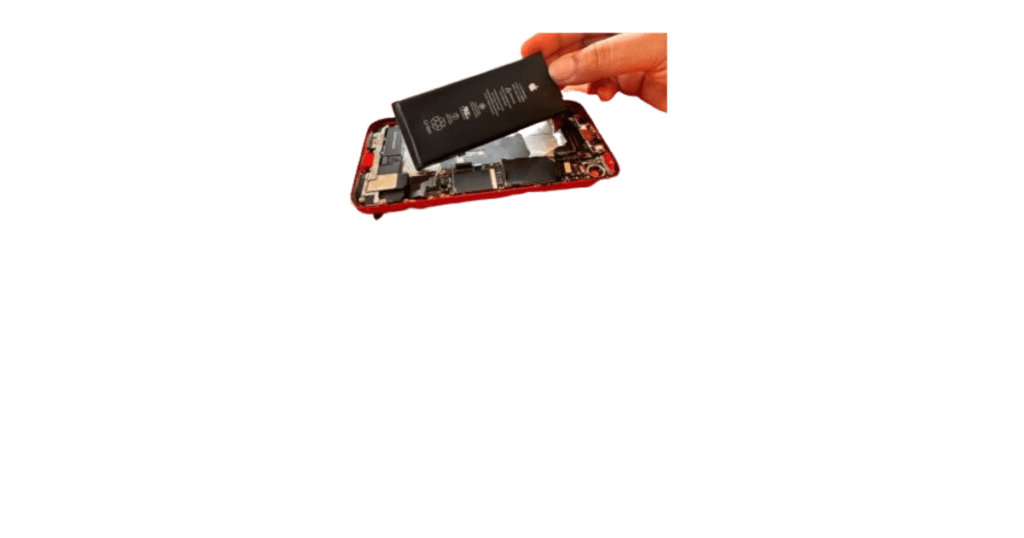
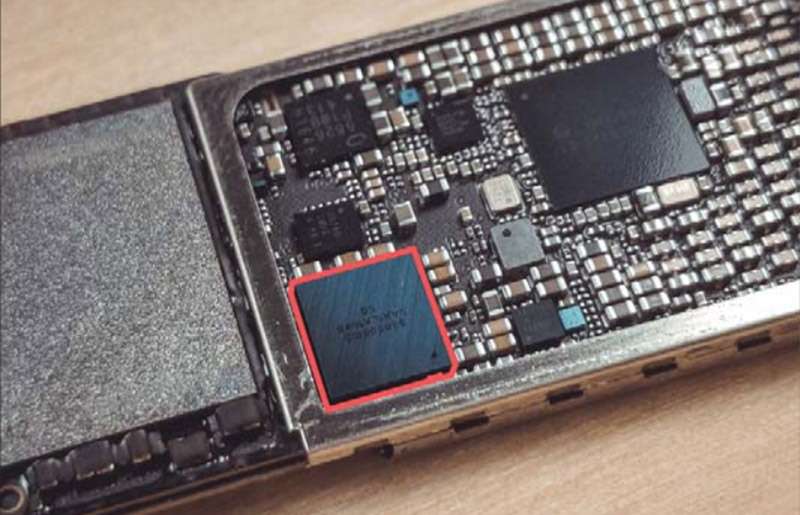
2. Remove the audio IC chip safely
3. Re test the board after the removal and apply micro-jumpers to the broken connections.
4. Reball and reinstall the parts
5. Test the phone fully after repairs have been made.
This will focus on fixing the issue at its root, rather than simply replacing parts that may not fix the issue in the future.
Why Erepair N Spares?
• The technicians have that experience with motherboard repairs
• State of the art micro-soldering tools
• Thorough testing of the device before we return it back to the customer
• Repair solutions that will focus on long term repairs
• We support a wide range of Apple device repairs.
FAQ
Yes. In many cases the problem can be repaired by restoring the damaged motherboard connections.
A technician can diagnose whether the issue is related to the microphone hardware or the motherboard.
Repairs generally do not target your stored data, but keeping a backup is recommended.
Need this fixed in Papakura?
Our technicians deal with this every week at our store on Great South Road, Papakura. Learn more about our iPhone repair in Papakura, call 021 0847 5935, or book a repair online. Diagnosis is free, and you get a clear quote before any work starts.