Accidents happen. A cup of coffee, a glass of water, or even a small amount of liquid can quickly turn into a serious problem for your laptop or MacBook. Liquid can enter through the keyboard, ports, vents, or other openings and reach sensitive internal components. If the device is not handled correctly, the damage can become worse over time.
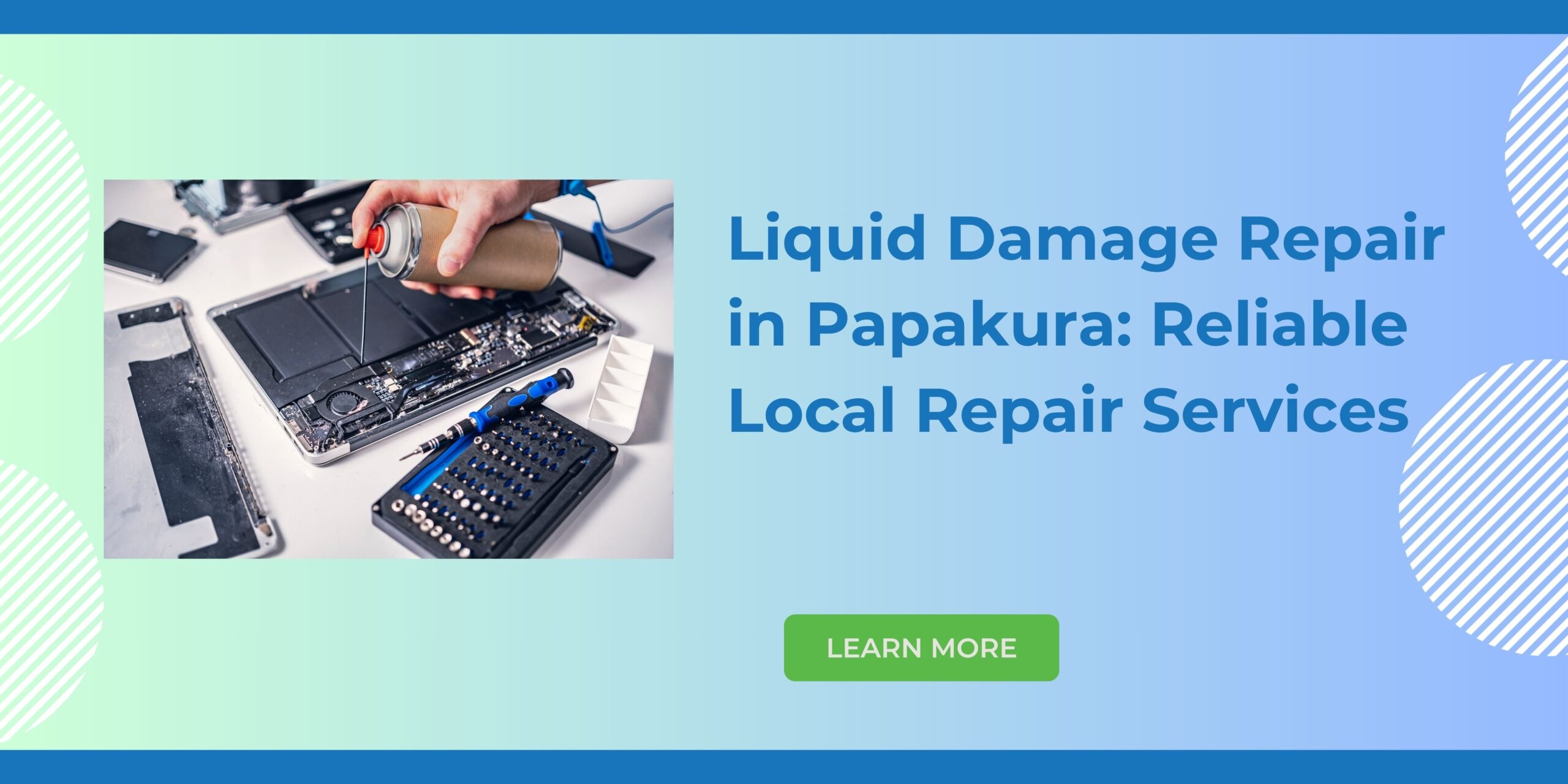
If you are looking for Liquid Damage Repair in Papakura, Erepair N Spares provides professional device diagnosis and repair services for customers in Papakura and the surrounding South Auckland area. Our technicians can inspect your device, identify the affected components, and recommend an appropriate repair solution.
What Is Liquid Damage?
Liquid damage is when a liquid seeps into an electronic device and damages it. The most common culprit is water, but other liquids such as coffee, tea, soda, etc. can cause damage, too. Liquid damage can cause several problems in a device as it affects its internal components. Because of the damage, there may be several malfunctions, including in the touchpad, keyboard, battery, charging system, motherboard, display, audio, and other parts of the device. Many devices may appear to work immediately after getting wet, but this is not an indicator of whether the device might sustain damage. Moisture that was trapped inside the device will lead to future issues. That is why it is crucial to get your device checked after any liquid spill.
Typical Indicators of Liquid Damage
Liquid damage shows up in several signs and symptoms. While some devices stop functioning all of a sudden, others develop issues slowly over time.
Some common signs indicating potential liquid damage in a laptop or MacBook include:
- The laptop or MacBook will not start.
- The device will shut down suddenly.
- The keyboard stops working.
- Some keys become unresponsive.
- The trackpad fails to respond.
- The device does not charge anymore.
- The charging port will stop working.
- Some abnormal lines or problems in the display can be observed.
- The laptop gets extremely hot for no apparent reason.
- The device keeps restarting randomly.
- The speakers produce strange sounds.
- The system performs very slowly or unstably.
- The user can see moisture or residue on the ports or keyboard.
If you encounter one of the above indicators, it is better to get your device checked by an expert.
What Should You Do Immediately After a Liquid Spill?
The first few minutes after a spill can be important. If liquid has been spilled on your laptop or MacBook, take action carefully.
1. Shut Down the Device
If the device is still active, turn it off as soon as you can. Do not continue using the device to find out if it functions properly.
2. Unplug the Charger
Remove the power cord and disconnect any devices that were connected to the device. This will prevent further damage from happening.
3. Don’t Keep Restarting It
One of the mistakes people make is continuing to press the power button after a spill. If liquid has reached the device’s internal circuits, trying to power the device on and off may cause more damage.
4. Avoid Direct Heat
Don’t try to dry the laptop using a hair dryer or any other source of heat directly. This may damage the sensitive parts of the laptop.
5. Rely on Professionals
It is always better to let a specialist inspect the laptop soon after the accident occurs. The specialist will be able to find out whether or not the liquid has gotten inside the device.
Why Liquid Damage Can Be Serious
All electrical devices have many tiny components as well as electrical connections, so whenever any liquid comes in contact with them, it can disrupt normal functioning. Corrosion is among the foremost worries surrounding liquid damage. Even when visible water has evaporated from the device, some underlying residue and dampness can persist. Over time, corrosion may lead to failure of electronics and connections. The type of liquid is also crucial. While unadulterated plain water is bad for the device, other liquids like sodas, coffee, milk, and some liquids might leave an unpleasant residue. Hence, just drying the laptop on the outside does not mean that the problem has been resolved on the inside.
Professional Liquid Damage Repair in Papakura
At Erepair N Spares, we understand how stressful it can be when an unexpected spill damages your laptop or MacBook. Our approach starts with checking the device and determining the extent of the damage.
Depending on the situation, a liquid-damaged device may require internal cleaning, component-level repair, replacement of damaged parts, or further diagnostic testing.
Every case is different. The appropriate repair depends on factors such as the type of liquid, the amount spilled, how long the device was exposed, which components were affected, and whether the device was powered on during the incident.
Rather than assuming that a liquid-damaged device needs to be replaced, a professional assessment can help determine whether repair is a practical option.
MacBook Liquid Damage Repair
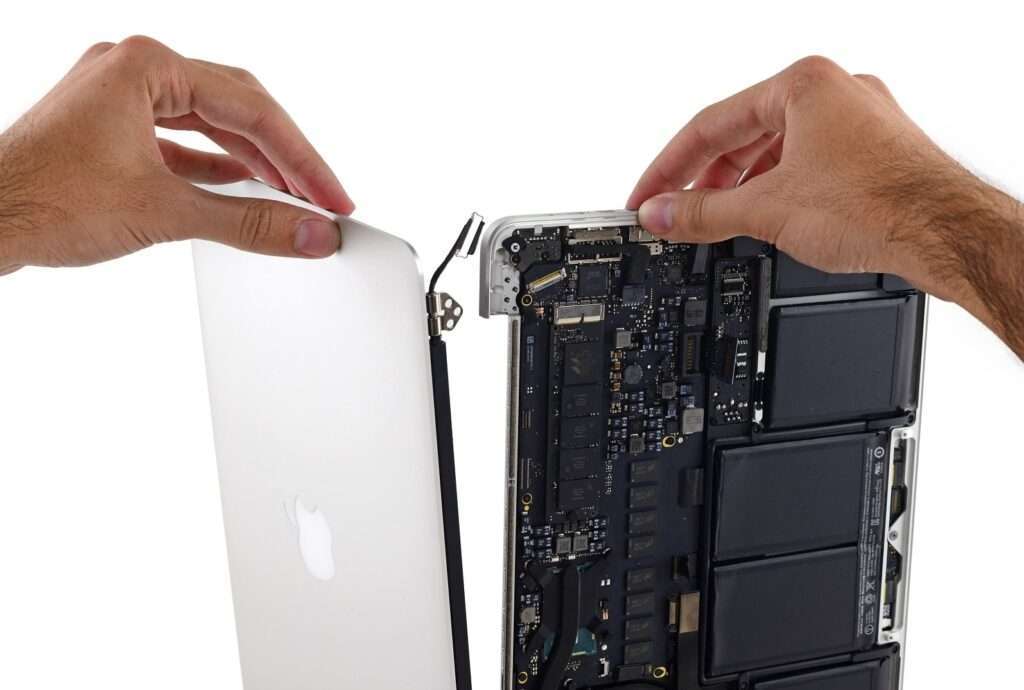
MacBooks contain compact internal components, making liquid spills particularly concerning. Liquid entering through the keyboard or other openings can potentially reach the internal electronics.
A liquid-damaged MacBook may experience problems with:
- Keyboard
- Trackpad
- Battery
- Charging system
- Logic board
- Display
- Speakers
- Internal connectors
- Power circuits
If your MacBook is not working correctly after a spill, professional Liquid Damage Repair in Papakura can help determine what has happened and whether the affected components can be repaired or replaced.
Laptop Liquid Damage Repair
Liquid damage is not limited to MacBooks. Windows laptops and other portable computers can also experience serious problems after accidental spills.
Common laptop liquid-damage issues include keyboard failure, charging problems, display faults, power issues, overheating, and motherboard damage.
At Erepair N Spares, customers can bring their affected device for assessment so the problem can be properly diagnosed.
Can a Liquid-Damaged Laptop Be Repaired?
While a repair is sometimes possible, the answer is not universal for all laptops and their individual conditions. Several factors will determine whether a laptop suffering from liquid damage can be repaired, such as the extent of the damage. A small spill affecting any replaceable component can be repaired easily, while heavier damage affecting one’s motherboard is much harder to fix. The device’s age and brand, availability of parts for sale, state of condition, and level of corrosion can also influence the final decision. Thus, the best way to figure out your options is to consult a specialist.
Why Choose a Local Repair Service in Papakura?
Choosing a local repair business can make the repair process more convenient. Instead of travelling long distances or immediately replacing an expensive laptop, you can have your device assessed locally.
Erepair N Spares is located on Great South Road in Papakura, making our repair service convenient for customers in Papakura and surrounding South Auckland areas.
Our goal is to provide practical repair solutions while helping customers understand what is wrong with their device and what options are available.
Preventing Future Liquid Damage
Although accidents cannot always be avoided, a few simple habits can reduce the risk of liquid damage.
Keep drinks away from your laptop or MacBook whenever possible. Avoid placing your device next to open bottles, cups, or other containers that can easily spill.
When travelling with your laptop, use a suitable protective bag or case. Also, avoid using your laptop in areas where it may easily come into contact with water.
Taking these simple precautions can prevent your device from needing an expensive and inconvenient repair.
Contact Erepair N Spares for Liquid Damage Repair in Papakura
A liquid spill does not necessarily mean that your laptop or MacBook is beyond repair. Acting quickly and getting professional advice can help you understand the extent of the damage and your available repair options.
If your MacBook or laptop has been affected by water, coffee, tea, juice, or another liquid, contact Erepair N Spares for professional Liquid Damage Repair in Papakura.
Our technicians can assess your device, identify the problem, and advise you on the most suitable next step.
Need this fixed in Papakura?
Our technicians deal with this every week at our store on Great South Road, Papakura. Learn more about our liquid damage repair in Papakura, call 021 0847 5935, or book a repair online. Diagnosis is free, and you get a clear quote before any work starts.