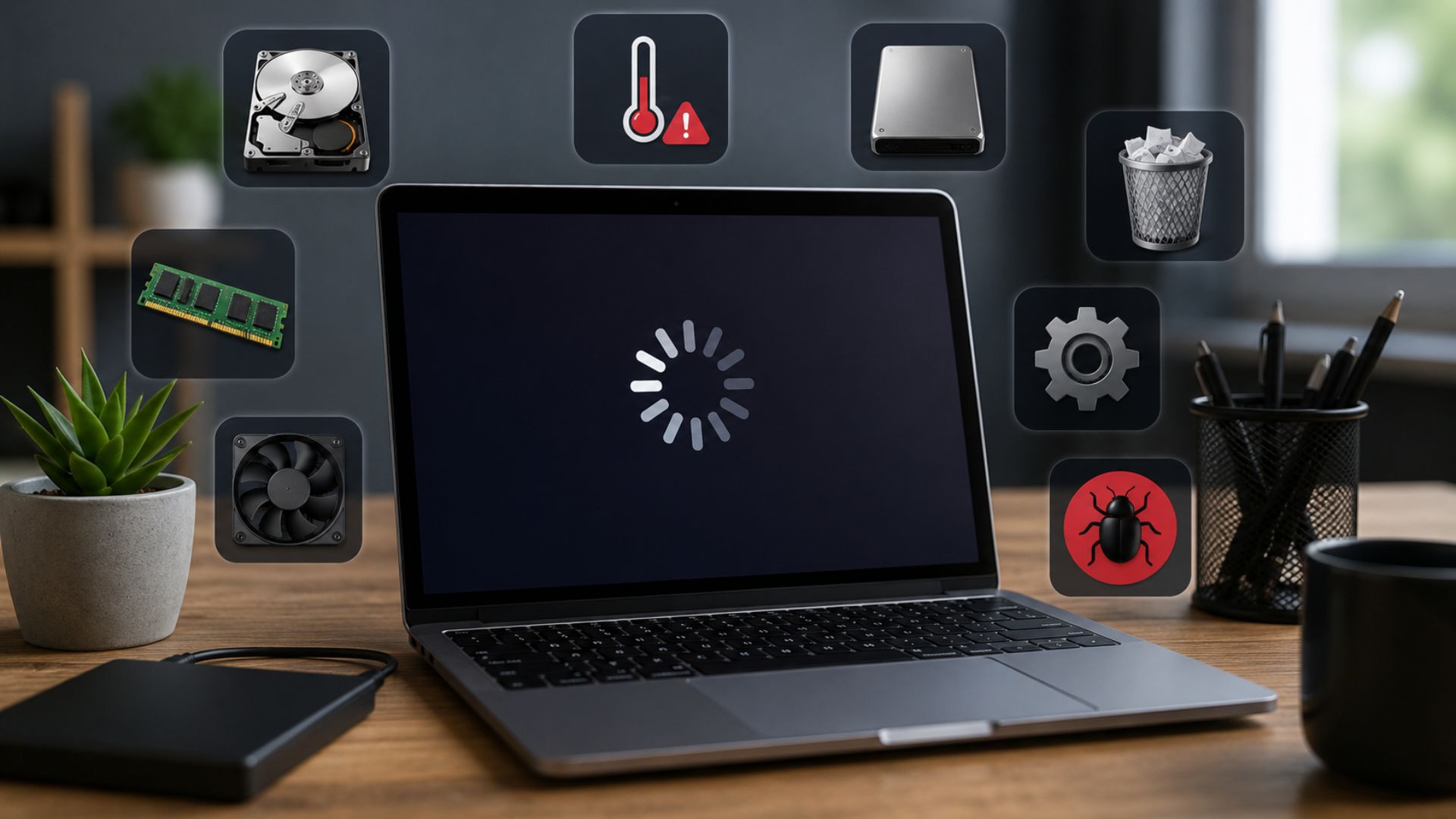
Macbooks are renowned for their speed, reliability and smooth operation. But MacBooks, even the best ones, can start to slow down after a while. If the apps take longer to open than usual or the system freezes at times or simple tasks seem slow, there can be several reasons.
But before you go replacing your device, it’s good to know what might be causing the slowdown. Often, a few tweaks or professional servicing can bring your MacBook back to peak performance.
If you’ve been searching for MacBook Repair Near me, this guide will help you to find out the most common reasons why your MacBook could be running slowly and what you can do about them.
1. Your Storage Space Is Almost Full
One of the most common reasons for a slow MacBook is not having enough storage space.
Free space is needed by macOS for temporary files, cache data and system operations. Your drive is filling up and performance can be slow.
Signs
- Boot times are slow
- Late filing of applications
- Beach ball spinning constant
Solution
- Delete unnecessary files
- Empty the Trash regularly
- Transfer large files to cloud storage
- Delete unused applications
Freeing 10 to 20% of your storage can help maintain optimal performance.
2. Too Many Startup Applications
When you launch your MacBook, there are often many apps that launch automatically. Each of these applications may use a small amount of memory, but if you have several startup programs, it can significantly increase the boot time and reduce the responsiveness of your system.
Solution
- Open System Settings
- Open Login Items
- Turn off useless startup programs
You can often get an instant speed boost by cutting down on startup clutter.
3. You’re Running an Outdated Version of macOS
Apple issues updates regularly that make performance improvements, fix bugs and increase security.
Using an outdated operating system can lead to slower performance, software bugs and compatibility issues.
Solution
- Open System Settings > General > Software Update
- Install the latest supported version of macOS
Regular updates are ensuring your MacBook is getting the latest optimisations from Apple.
4. Too Many Browser Tabs Are Open
Modern browsers can use up a surprising amount of memory and CPU.
Opening dozens of tabs at once could make it difficult for your MacBook to allocate resources properly.
Solution
- Close tabs you don’t need
- Use extensions for tab management
- If possible, look at lighter browsing options
Many users looking for MacBook Repair Near me discover that their performance problems are mostly caused by too much use of their browser.
5. Background Processes Are Consuming Resources
A lot of apps will keep running in the background even if you’re not actively using them.
Cloud syncing tools, messaging apps, photo management software and update services can be constantly consuming CPU and RAM resources.
Solution
- Start Activity Monitor
- Find resource hogging applications
- Close or uninstall any programs you don’t need
Monitoring background activity can reveal hidden performance bottlenecks.
6. Malware or Adware Has Infected Your System
While macOS is generally a secure operating system, it is not immune to malware, adware and unwanted software.
Malicious programs can consume system resources.
Warning Signs
- Unanticipated ads
- Redirects in browsers
- Higher fan engagement
- Slow computer performance
Solution
- Conduct a reputable security scan
- Remove questionable apps
- Avoid downloading software from untrusted sources
7. Your SSD May Be Aging
Solid state drives are faster than traditional hard drives, but they can wear out over time.
Ageing of an SSD can result in
- Slow file transfer
- Longer boot times
- Application latency
If you’re experiencing similar issues on a MacBook a few years old, it might be time to get it diagnosed by a professional.
Many local users looking for Macbook repair Papakura services discover that their devices suffer from storage related hardware problems.
8. Insufficient RAM for Modern Workloads
Today’s applications need a lot more memory than they did a few years ago.
If you have too many programs open at once, especially video editing, design software or virtual machines, it can use up all the available RAM.
Symptoms
- Repeatedly freezing
- Slowly multi tasking
- High swap usage of memory
Solution
- Shut down other applications
- Try not to multitask where possible
- If supported, consider upgrading your device
9. Overheating Problems
Heat is one of the biggest enemies of computer performance.
If the MacBook gets too hot, macOS will automatically throttle processor speed to protect internal components. This is called thermal throttling.
Common Causes
- Dust build up
- Obstruction of ventilation
- Broken cooling components
- Heavy work load
Solution
- Keep air vents open
- Operate your MacBook on hard surfaces
- If needed, arrange for professional cleaning
One of the most common causes of overheating problems that Macbook repair Papakura users experience is internal dust build up.
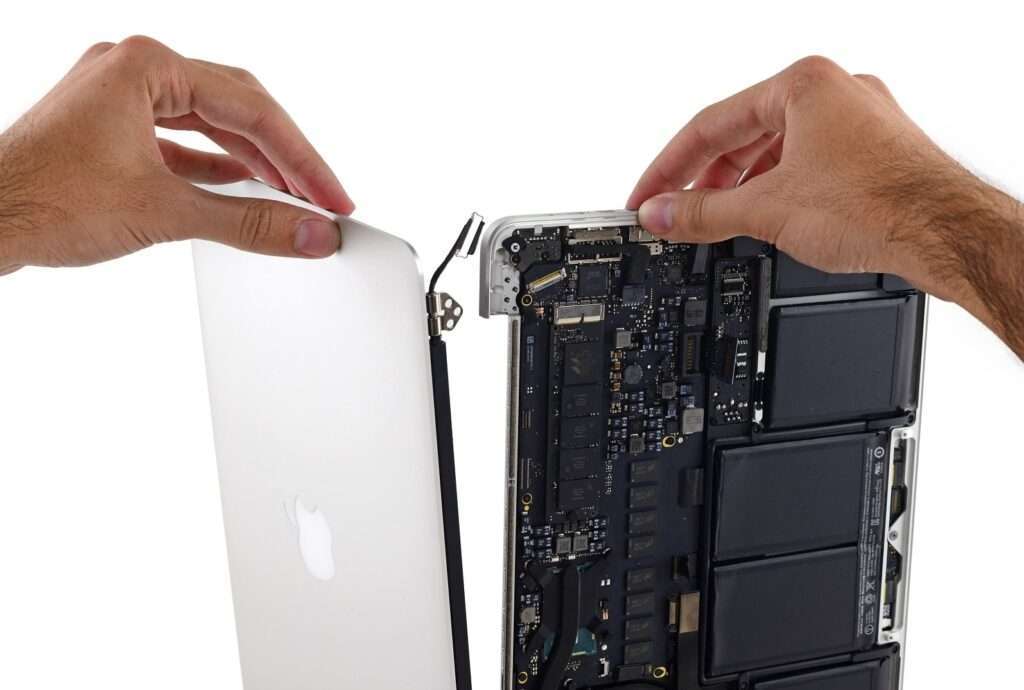
10. Hardware Components May Be Failing
Sometimes it’s not just a matter of software optimisations.
Hardware components failing including
- Accumulators
- Logic boards
- SSD’s
- Cooling systems can lead to obvious slowdowns and instability
Warning Signs
- Random shut downs
- System Crashes
- Software fixes and continuous lagging
- Strange sounds or overheating
In these cases, professional diagnosis is typically the most cost effective option.
Tips to Keep Your MacBook Running Smoothly
To get maximum performance
- Keep your Mac current
- Have available storage space
- Uninstall unused applications
- Reboot your MacBook periodically
- Reduce unnecessary startup programs
- Conduct routine maintenance inspections
- Defend your system against malware
Routine maintenance extends the lifetime of your appliance and prevents costly repairs.
Conclusion
A slow MacBook doesn’t necessarily mean it’s time to replace it. Low storage, too many startup programs, old software, overheating or old hardware can be identified and fixed with the right approach in many situations.
If you have tried all the basic troubleshooting steps and your MacBook is still not running well, it may be time to seek professional help. If you are looking for MacBook Repair Near me or Macbook repair Papakura, choosing experienced technicians can help in diagnosing and fixing the issue before it gets worse.
At Erepair N Spares we are experts in professional macbook diagnostics, repairs, hardware replacements, performance optimisation and maintenance services. Our experienced technicians have worked on many models of MacBooks and can help get your device running fast and reliably again.
Erepair N Spares is dedicated to helping MacBook users get the most out of their machines without the expense of needless upgrades or replacements.
Need this fixed in Papakura?
Our technicians deal with this every week at our store on Great South Road, Papakura. Learn more about our MacBook repair in Papakura, call 021 0847 5935, or book a repair online. Diagnosis is free, and you get a clear quote before any work starts.