It started with a frustrated sigh and a nearly-dead iPhone at 11 a.m.
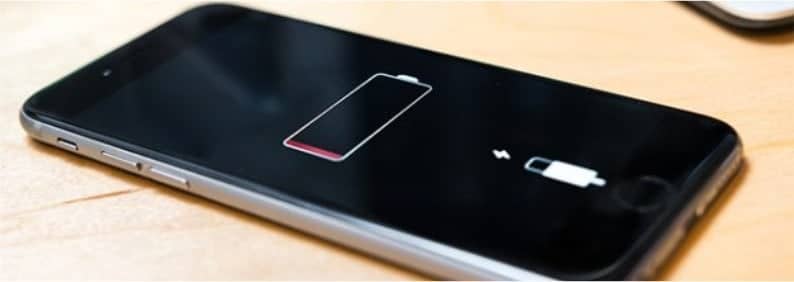
Last week, Melissa, a marketing consultant from Ponsonby, walked into our Papakura store holding her iPhone 12 Pro. She told us, “It’s only 10 o’clock and my battery’s already at 15 percent — I barely used it!”
She’d already tried every online tip she could find — closing apps, turning on Low Power Mode, even disabling 5G — yet the problem persisted.
If that sounds familiar, you’re not alone. Battery drain is one of the most common iPhone issues we see in Auckland, especially as devices age or after major iOS updates. Let’s break down what causes it — and how our technicians fix it fast.
The Real Reasons Your iPhone Battery Drains So Quickly
1. Battery Age and Health
Every lithium-ion battery has a lifespan. Over time, chemical ageing reduces how much charge it can hold. Once your battery health drops below about 80%, you’ll notice faster drain and unexpected shutdowns.
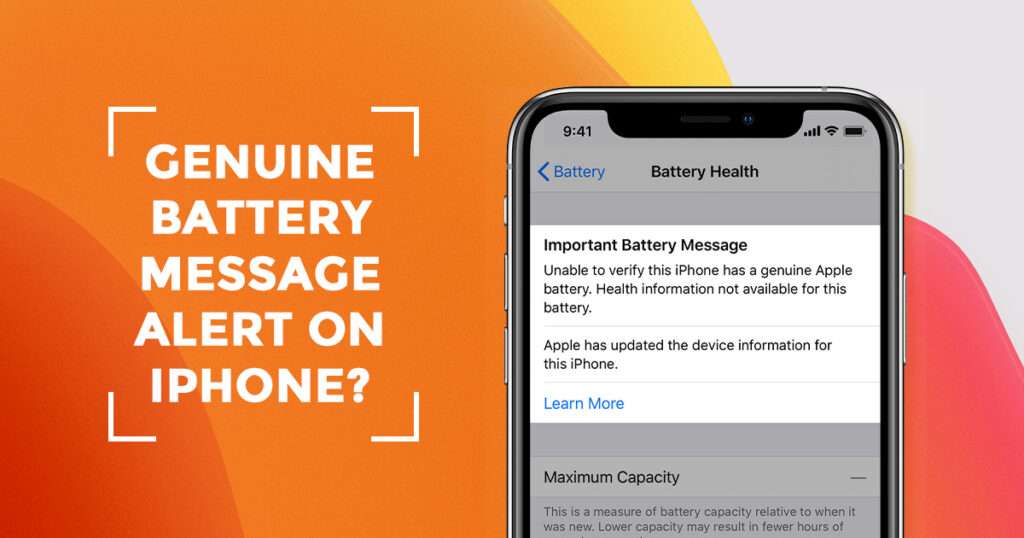
You can check yours under Settings → Battery → Battery Health & Charging.
2. Background App Activity
Apps like Facebook, Instagram, or Maps constantly refresh in the background. Even when you’re not using them, they’re sipping power — especially with location and notifications turned on.
3. Poor Network Signal
A weak mobile or Wi-Fi signal makes your iPhone work harder to stay connected. In Auckland’s dense city spots (or rural edges), this is a hidden battery killer.
4. Overheating or Charging Habits
Charging your phone overnight or leaving it in hot cars accelerates battery wear. Lithium batteries dislike heat, and Auckland’s humid summer days don’t help.
5. Software Bugs or iOS Updates
Sometimes, an iOS update temporarily increases background processing. We’ve seen this right after major releases — but it usually settles once indexing finishes. If it doesn’t, that’s when we step in.
How We Fix Fast-Draining iPhones
When Melissa brought in her phone, our technicians began with a battery health diagnostic. Her battery’s capacity had dropped to 74% — meaning it could only hold about three-quarters of its original charge.
Here’s what our typical process looks like:
- Battery Health Test
Using Apple-grade diagnostic tools, we measure charge cycles, voltage and capacity. - Software Check
We rule out rogue apps or iOS issues causing background drain. - OEM-Spec Battery Replacement
If needed, we fit a genuine-spec replacement battery, not a cheap aftermarket cell. - Thermal and Charging Calibration
We recalibrate the charging system and run heat/stress tests to ensure stable performance. - Same-Day Turnaround
Most iPhone battery replacements at our Auckland store are done within 2–3 hours.
By that afternoon, Melissa’s iPhone was back to lasting a full day — even with heavy use and 5G turned on.
She later sent us a quick message:
“Feels like a new phone! Can’t believe how much difference a proper battery makes.”
Expert Tips to Extend Battery Life
Our technicians recommend these simple habits to keep your battery healthy longer:
- Keep charge levels between 20% and 80%.
- Avoid full discharges or constant overnight charging.
- Turn off Background App Refresh for non-essential apps.
- Use original or certified chargers only.
- Update to the latest iOS version for improved power optimisation.
- If your phone feels unusually warm, unplug and let it cool before charging again.
Why Auckland iPhone Users Trust Erepair N Spares
At Erepair N Spares, we’ve replaced thousands of iPhone batteries across Auckland — from Parnell to Mount Eden, Takapuna to Howick.
Every repair is done in-house by certified technicians, using premium OEM-grade parts and backed by a 4-month warranty.
We don’t just swap batteries — we restore reliability, performance and peace of mind.
Think Your iPhone Battery’s on Its Way Out?
If your iPhone dies before lunchtime or feels hot while charging, it’s time for a check-up.
Pop into our Auckland service centre, or book your same-day iPhone battery replacement online today.